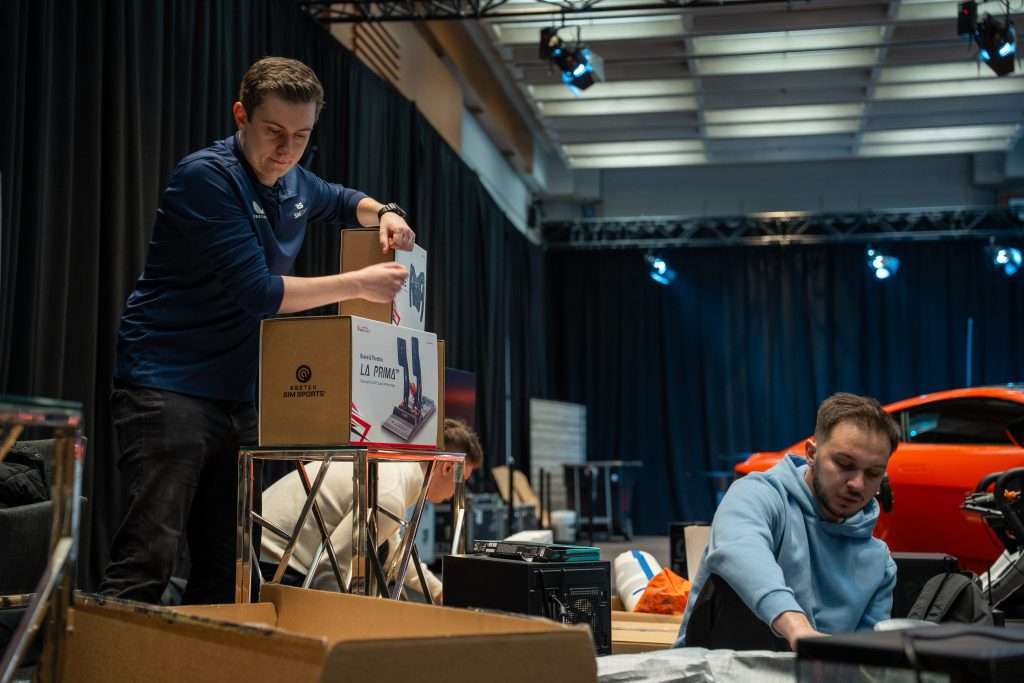
Put a lap time on a leaderboard and people immediately have something to chase. Someone can set the pace at 10:00 AM, lose the top spot at lunchtime, and come back later for another go.
That level of competition carries on even when drivers aren’t on track together. People in the queue can follow the times, compare results, and see how close each run gets to the top of the board.
There are plenty of ways to build that into an event. These five ideas cover the formats, prizes, branding, and content that can turn a simulator into something guests want to take part in and keep an eye on throughout the day.
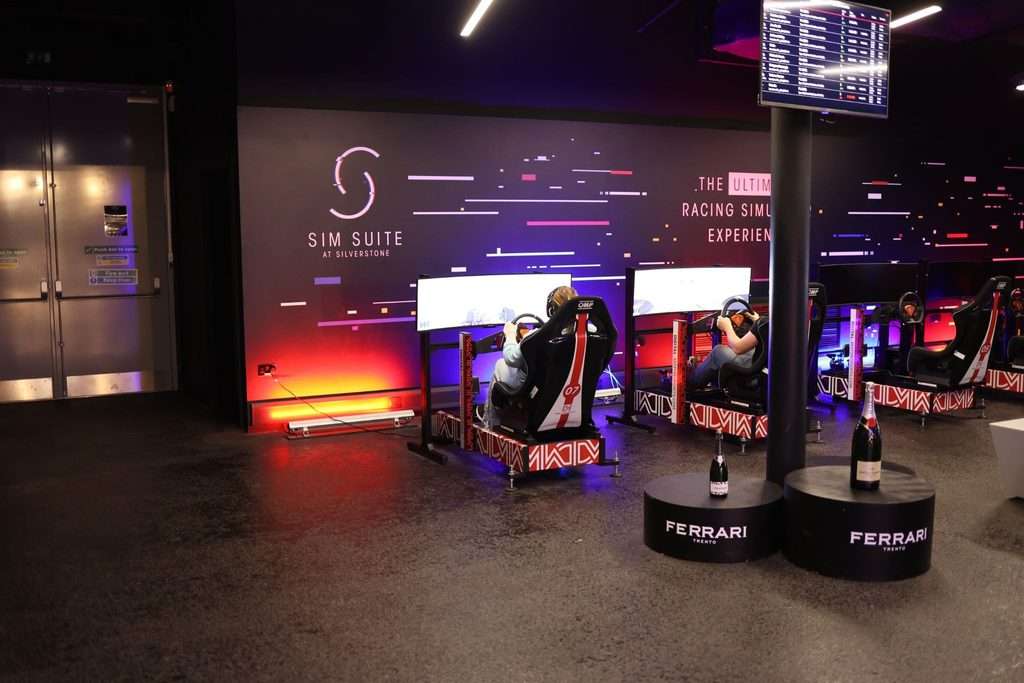
Image Source: SimStaff
1. Run a Fastest Lap Competition With a Live Leaderboard
A fastest lap competition works well when lots of guests want a turn, and there’s only so much seat time to go around. Everyone gets the same car, circuit, assists, and number of laps, and the quickest times go up on a live leaderboard.
If most drivers are beginners, keep the settings forgiving and pick a circuit they can learn in a lap or two. On a short circuit, one warm-up lap followed by two timed laps gives first-timers a fair shot. At a busy trade show, that’s about as long as each run should get, because every extra minute per driver adds up once a queue forms.
Anyone who drops out of the top spots later in the day can queue again and try to take their place back. Colleagues start comparing times, and the leaderboard gives them something to follow between turns.
If you’re collecting leads, register guests while they wait so the next driver is ready when the rig frees up. Take the details and any marketing consent you need there, and let each driver choose the name that appears on the board.
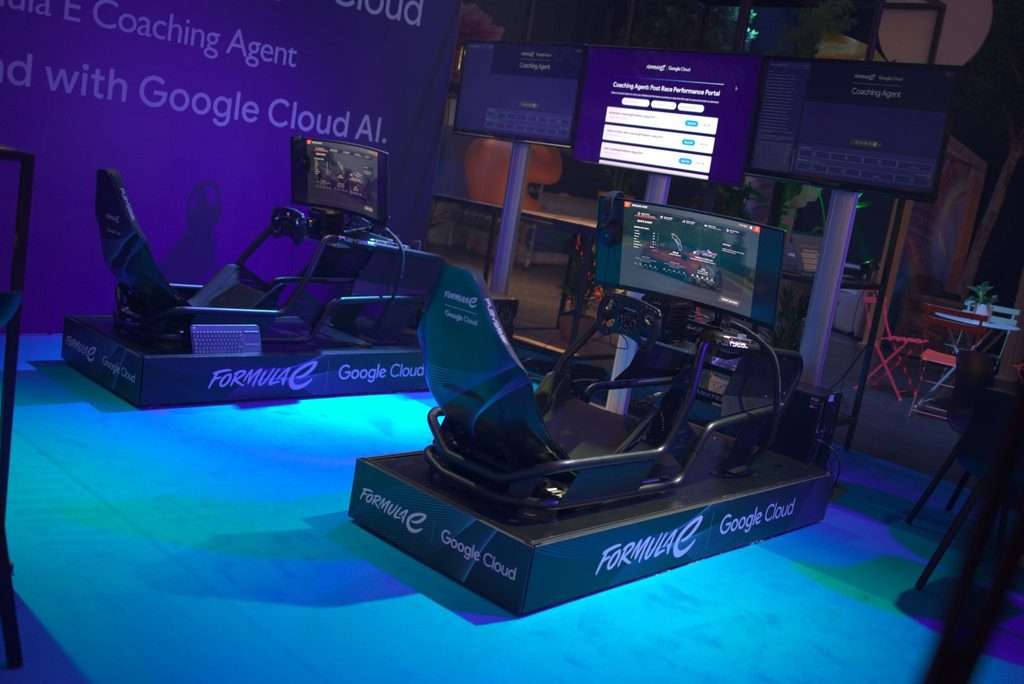
Image Source: SimStaff
2. Put Guests Head-to-Head
Head-to-head racing suits events where you control the schedule. Corporate evenings, hospitality days, and tournament finals let you plan when several drivers race together.
Agree on the rules before the first race. Decide which assists are allowed, how contact is handled, whether anyone gets a restart, and how penalties work, then use identical settings for every heat. With many first-time drivers on the grid, switching damage off can stop one early mistake from ending someone’s race.
With four linked rigs, you could run short heats and send the top finishers through to a final. For a bigger sim racing tournament, run qualifying earlier in the day and hold the final when more guests can watch.
Plan around race length. In a time trial, each rig frees up as soon as its driver finishes. A race holds every rig until the last car crosses the line, so a 10-minute heat on four rigs means no new drivers get a turn for 10 minutes. If you expect plenty of walk-up traffic, schedule races at set times and run time trials in between.
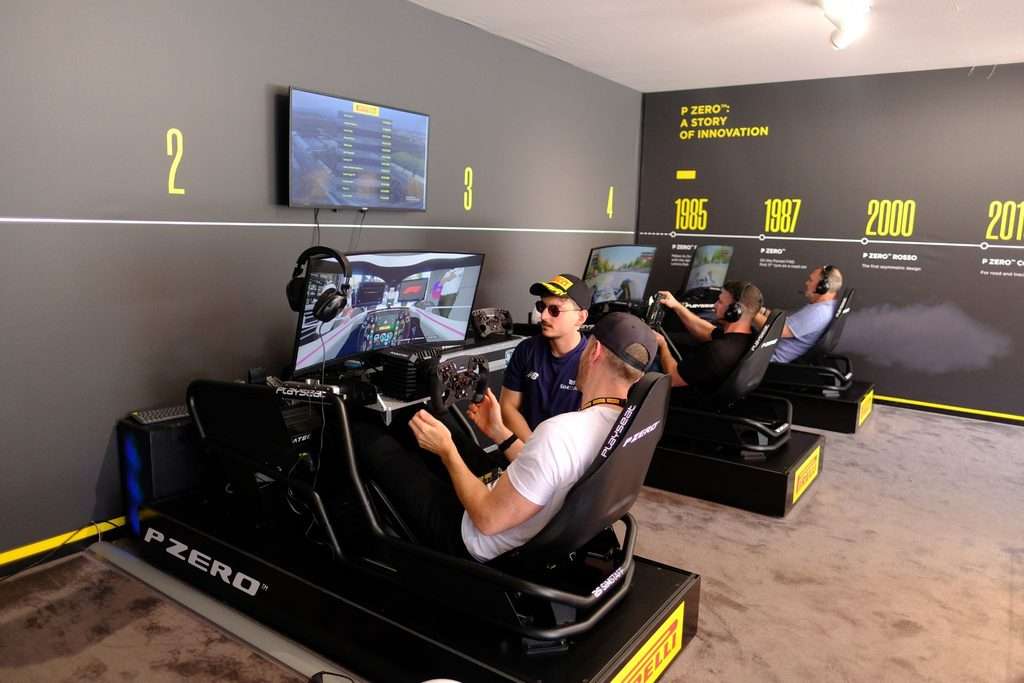
Image Source: SimStaff
3. Brand the Rig and the Virtual Track
Put your branding where guests and cameras will see it. Around the simulator, that means the chassis, side panels, and backdrop. Inside the sim, your logo can go on the car livery, the leaderboard, and the result graphics.
Track branding depends on the software. Some platforms let you replace billboards and other circuit graphics; some only allow it through a mod, and others don’t allow it at all.
Sort the artwork early. A logo made for a large side panel won’t always fit a car door or a leaderboard header, so prepare each placement at the right size and shape.
Keep the driving view clear. Drivers need to see the track, mirrors, and lap timer, and spectators should be able to read the leaderboard from the queue.
For more ideas on placement, see our guide to integrating your brand into a racing simulator experience.
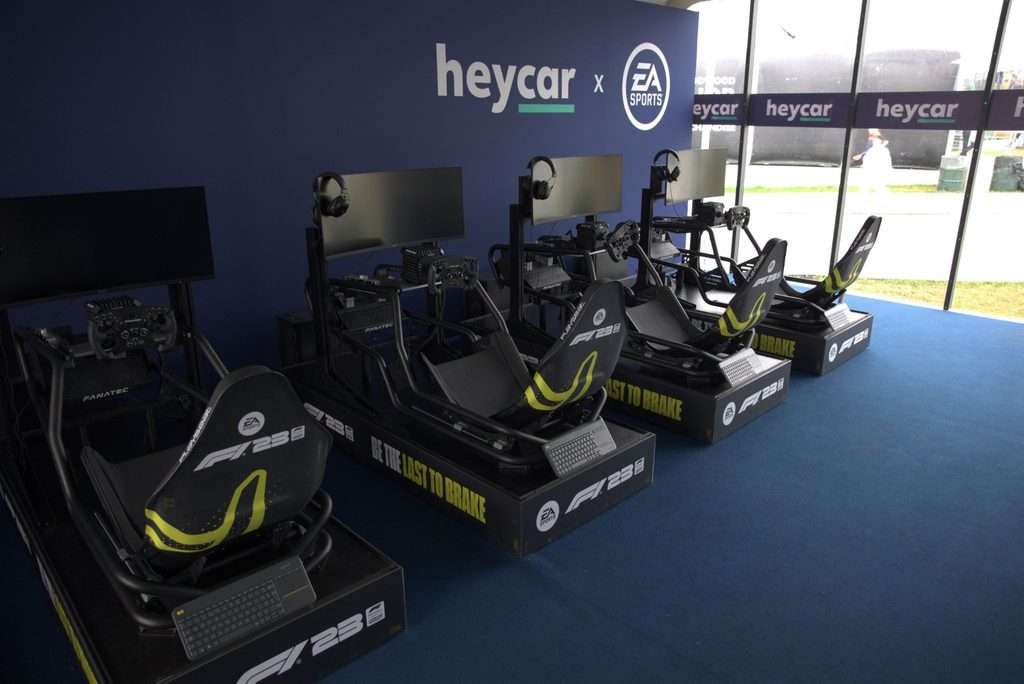
Image Source: SimStaff
4. Give Guests Something to Win
A prize gives guests a reason to take part and a reason to try again. With a single all-day prize, one exceptional morning lap can settle first place early.
Hourly winners give each new wave of drivers a fresh target. You could also award a fastest team prize or use the main leaderboard to decide who gets a place in a scheduled final.
Every driver can leave with a photo or digital result card showing their lap time, whether they topped the board or finished lower down it.
Write the rules before the doors open. Decide how many attempts each guest gets, how you’ll break a tie, who can enter, and whether winners need to be there to collect. Put the rules somewhere guests can read them before they drive.
Choose a prize that suits the crowd. Branded merchandise fits a product launch. At a corporate or motorsport event, hospitality tickets or a product from one of the sponsors tend to go down well.

Image Source: SimStaff
5. Plan the Content Before the First Lap
If you want social content from the day, decide what you’re capturing before guests arrive.
Close finishes, new fastest laps, and the eventual winner beside the leaderboard are all moments you can prepare for. Give whoever is filming a clear angle, check what appears behind the driver, and make sure the leaderboard reads on camera. A second camera pointed at the driver catches their reaction while the screen shows what caused it.
Build a results template before the event. When the leaderboard changes, update the driver name, lap time, and position, and the social team can post results while the competition is still running.
If you’re producing result cards or photos, give drivers a simple way to get theirs after the run. Put the event branding on the card or photo itself, so the brand remains visible if the guest shares it.
Handle photo and video consent at registration, and follow the venue’s and client’s policies on anything you publish.

Image Source: SimStaff
Work Out How Many Rigs You Need
Guest numbers decide how many rigs you need. If each driver gets 5 minutes on track and you allow another 2 minutes to get out, adjust the seat, and brief the next person, one simulator handles 8 or 9 guests an hour. Across a 6-hour event, that’s roughly 50 people per rig.
Add your session and changeover times, and you’ll quickly see whether two simulators cover the guest list or you need six.
A hospitality evening with a fixed guest list leaves more room for qualifying, longer races, and a final. A trade show with constant walk-up traffic calls for shorter sessions and quicker changeovers.
Cockpit choice affects changeover speed too. Formula-style cockpits seat the driver low with their legs raised. GT-style cockpits are more upright and generally quicker to get in and out of, which helps with long queues or guests in suits, dresses, or heels.
If you need a racing simulator hire for an upcoming event, SimStaff can provide the rigs and event staff, write the ruleset, and handle branding, photography, and technical setup. Talk to SimStaff about your event.