Twenty minutes into a stint, the wheel goes light. Kerbs you could feel on lap two have gone vague, the front end’s gone quiet, and the weight you had off the line just isn’t there any more. Now, you’re left wondering whether you’ve got a Thrustmaster T300 overheating problem or a faulty base.
In a close race, a problem like this costs you positions. It also somehow manages to hit at the worst possible moment. When a T300 fades like this, it’s almost always heat. That’s the wheel’s overheating protection doing exactly what Thrustmaster built it to do, and you can usually sort it with a specific setting.
Before you spend money or open the base up, work through what the wheel’s telling you. Plenty of T300 owners hit this in longer races, and the fix is usually one of four things: cooling mode, lower force feedback, a cleaner USB connection, or a firmware update. Below, you’ll see which symptom points to which fix, so you know what’s gone wrong before you take anything apart.
How to Tell Whether Your T300 Is Overheating
Overheating on a T300 shows up the same way most times. Force feedback feels normal at the start, then fades after a few laps or a long stint. Kerbs lose their detail, the rim goes light, and the weight comes back once the base has cooled.
That’s the wheel protecting itself. The T300 watches its own internal temperature and dials the force feedback down once it hits a set limit, then brings it back as things cool off.
You’ll usually feel it before you think to check anything. The signs include the following:
- The fade turns up later in a session, not the moment you load into a race.
- The wheel recovers after a short break.
- The base feels warm around the vents.
- It happens across more than one game.
The fan can keep spinning after you’ve stopped driving. Thrustmaster reckons this can last anywhere from 5 to 45 minutes, depending on how hot things get. Test with the same car, track, and settings every time, or the comparison tells you nothing.
When It’s Not Heat
Heat is just one reason the force feedback drops. It could also be caused by clipping, shaky power, or a software fault, and each leaves its own clues.
Clipping shows when you brake hard, strike a big kerb, or change direction quickly. The wheel still works, but certain effects are less pronounced for a split second because the game is asking the motor for more force than it can give. Reduce your in-game force feedback a step or two and run the same test. If it clearly feels better, that’s clipping.
Power or USB faults affect the whole base. You might lose force feedback completely, watch the wheel disconnect, or see it try to recalibrate mid-session. Reseat the power lead or move the USB to another direct port, and see what changes.
Game, driver, and firmware faults behave differently. They might show from the very first lap, hit one game and leave every other one fine, or turn up right after a Windows update. Try a second compatible game before you write the wheel off as faulty hardware, then check the driver and firmware.
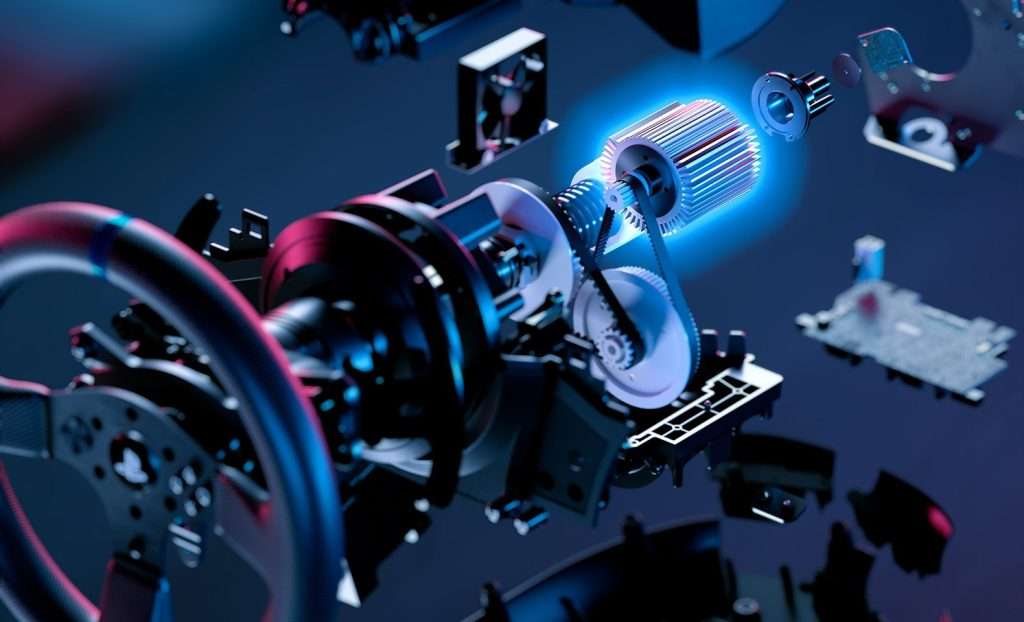
Image Source: Thrustmaster
Quick Checks Before You Consider a Repair
Work through these in order. Change one thing, test it, then move to the next.
Turn on forced cooling
Forced cooling mode keeps the fan running whenever the wheel has USB power, and it saves to the T300’s memory, so you don’t have to set it again every time you start up.
Forced cooling needs firmware V25 or later. Press ST and MODE together to switch it on. Two flashes of the LED mean forced cooling is active; one flash means you’ve dropped back to automatic. On PC, ST is button 8. On PS3, it’s Start, and on PS4, it’s Options.
Run your usual test again. If the fan stays silent in forced mode, rattles, or barely moves any air, the fan’s your problem.
Reduce in-game force feedback
Turn the in-game force feedback strength down a step or two, then run the same session. High strength pushes the base harder and gives it more heat to shed. Drop it a step or two, and you trade a little weight at the rim for a base that holds up over a long stint. Most T300 owners settle around 75 – 85%; much above that, and the base runs hot quickly.
Lower the rotation angle
A wide rotation angle puts more load on the base. The T300 runs at 1080° by default, and Thrustmaster suggests dropping it to 900° if the force feedback keeps fading. Set it in the Thrustmaster Control Panel on PC, then run the same test and see if the wheel holds its weight for longer.
Clear dust and give the base room
Switch the base off first. Clear dust from the vents with an electronics-safe compressed-gas duster, and keep liquids away. Then check where it sits: a base boxed into a tight shelf or pushed against a wall traps its own heat and throttles sooner, so give it a few centimetres of clearance and keep the vents clear. Leave the casing shut. Opening it up is a repair-level job, so save it for last.
Reseat the power and USB cables
Push the power lead firmly into the back of the T300, then plug it straight into a wall socket. Run the USB cable directly into your PC or console. Skip hubs, extension leads, and power strips while you’re testing. On a desktop, use one of the USB ports on the back of the motherboard.
Update the driver and firmware
Updating the T300 needs a Windows 10 or 11 PC. Set the base’s USB switch to the PC/PS3 position, plug the wheel straight in, and run the update through Thrustmaster’s Firmware Updater. Leave the USB connected until it’s done. Pull it mid-update and you can leave the wheel needing a full Bootloader recovery.
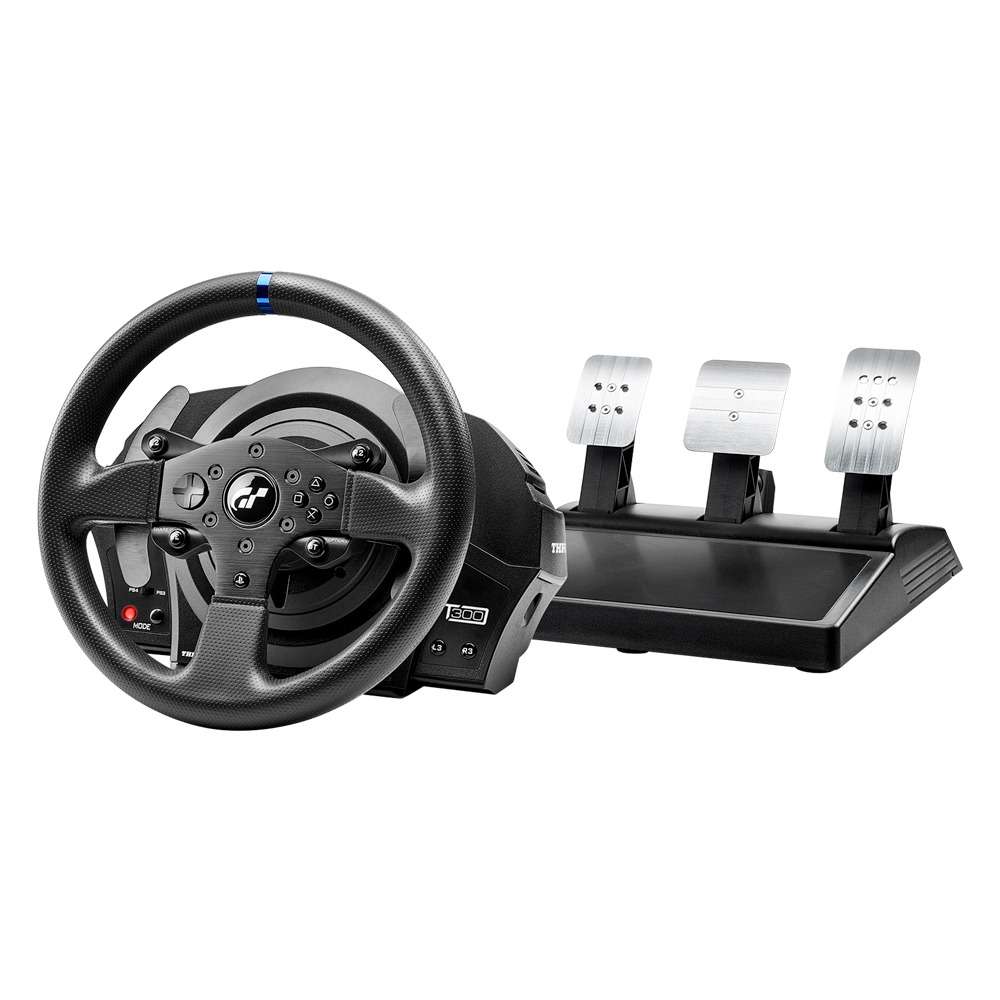
Image Source: Thrustmaster
When Calibration, Detection, or Disconnects Point Somewhere Else
If your FFB fades after a session, that’s one kind of problem. A T300 that skips its start-up sweep, ends up off-centre, or drops the connection entirely is a different one, and it needs a different check.
Run the direct power and USB test again. Plug the base in and connect it straight to the PC or console. Weak power or a dodgy USB connection can throw off the motor, the start-up calibration, and the force feedback all at once.
If the wheel comes on but the start-up sweep looks wrong, update the firmware before you try anything more involved. If it’s still off after that, run the calibration and force feedback test built into the Thrustmaster Control Panel on PC. It tells you whether the base itself or a game setting is the problem.
Re-centre a slightly off-centre wheel
Only use this when the T300 finishes its normal start-up movement and the rim is only a few degrees off.
Let the start-up calibration finish. Turn the rim fully left, then fully right, then bring it back to dead centre. Holding it there, press Share (SE), Options (ST), and Mode together if you’re on the standard PS or GT rim. The LED briefly changes colour once the new centre saves.
Other add-on rims use different combinations, so check the centring guide for your rim before you press anything.
A PC that shows “FFB Racing Wheel”
This one needs a switch, driver, or HID-conflict check. The usual cause is the platform switch left on PS4, so move it back to PC/PS3 first. If that doesn’t sort it, close anything that shares HID drivers, then reinstall the Thrustmaster driver if you need to. Thrustmaster names TeamSpeak as a common offender here.
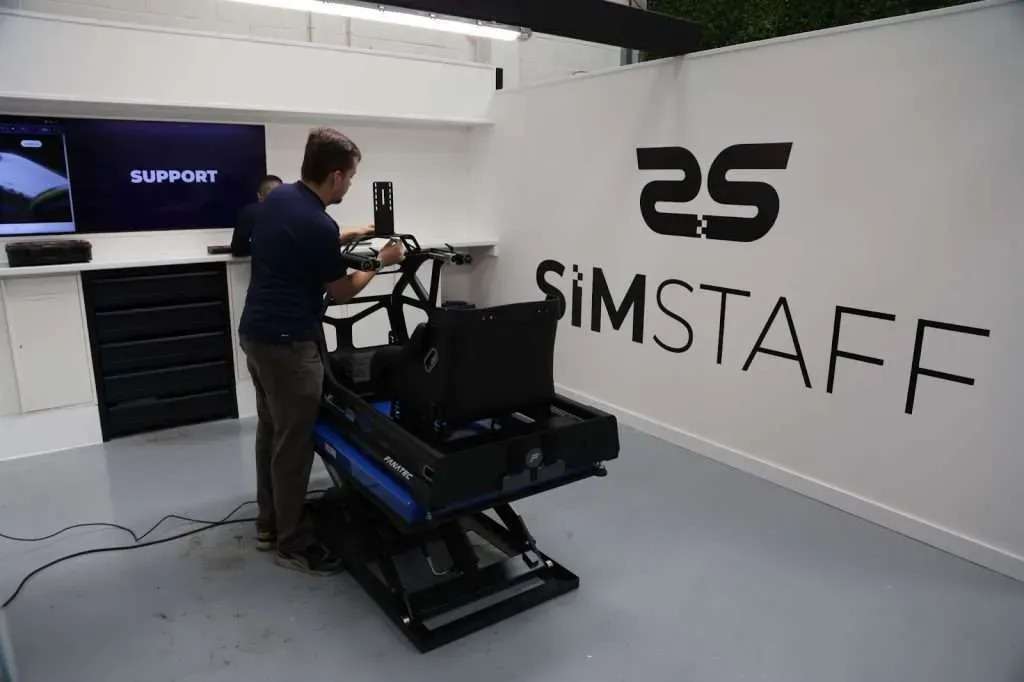
Image Source: SimStaff
When to Call SimRigSupport
Stop troubleshooting and book a session when the same fault keeps coming back after the checks above. The checks described here, plus our wider list of quick fixes, clear most cases, but some faults need an extra pair of hands.
This covers a fan that won’t run in forced cooling, force feedback that still fades at moderate settings, a wheel that disconnects across several games, or a base that won’t finish its start-up calibration even on direct wall power and a direct USB connection.
Have a few things ready before the call: the game you tested, the force feedback strength you were running, roughly how long the wheel runs before it fades, and whether the fan kicks in or sounds off. It saves a lot of back-and-forth.
SimRigSupport handles remote troubleshooting wherever you are. UK customers can also send hardware in for repair or book an on-site visit.
Why the T300 Hits a Heat Ceiling
The T300’s limit is partly baked into how it’s built. It drives the rim through a belt and a single motor, and the whole setup peaks at around 3.9Nm. That motor warms up quickly under high force feedback over a long stint. Forced cooling, lower force feedback, and a tighter rotation angle all buy you headroom, but none of them change what the motor can take.
That’s why Thrustmaster introduced newer direct drive bases like the T598. A direct drive base releases heat differently and doesn’t lean on a small internal fan the way the T300 does, so the fade that creeps in during hour two of an endurance race is far less of an issue. If your T300 keeps overheating on forced cooling at sensible settings, you’re at the point where a repair and a newer base are worth weighing against each other.
Not sure whether your base is faulty or just working hard for what it is? Book a free consult with SimStaff, and if an upgrade suits your racing better, you can try a direct drive rig on a short-term rental before you commit.