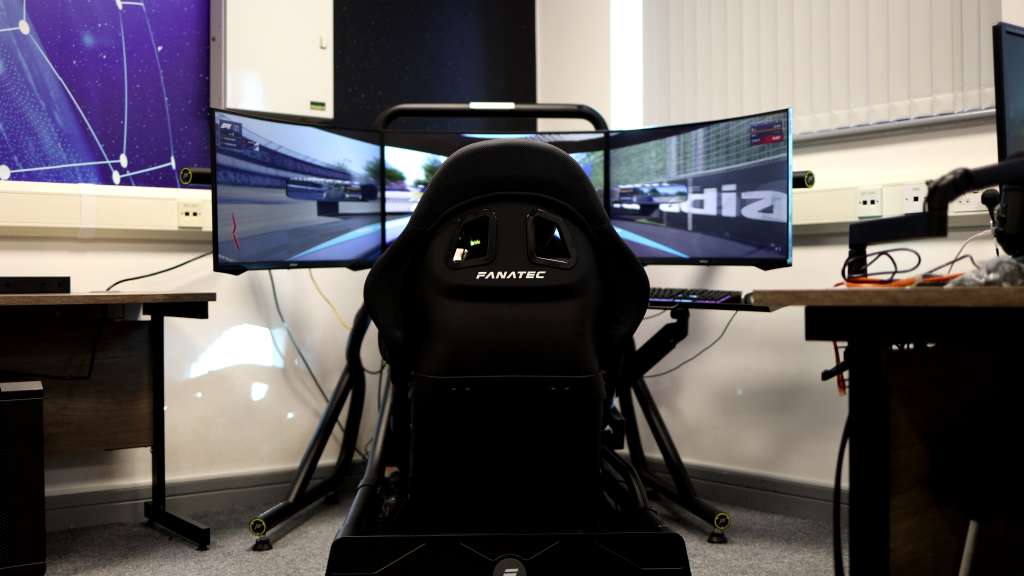
A racing simulator always looks manageable until you start looking at the room around it. The footprint on a spec sheet seems fine. Then you add screens, cables, room for people to get in and out, and the small crowd that always forms around a good setup. The space goes fast.
Most venues get caught out the same way. The rig is almost never the problem. It’s everything the activation needs around it. If you’re planning an event, an exhibition stand, or a corporate activation, these are the numbers worth knowing. Rig dimensions vary a lot depending on the setup, so it pays to know what fits, what gets tight, and what most people miss.
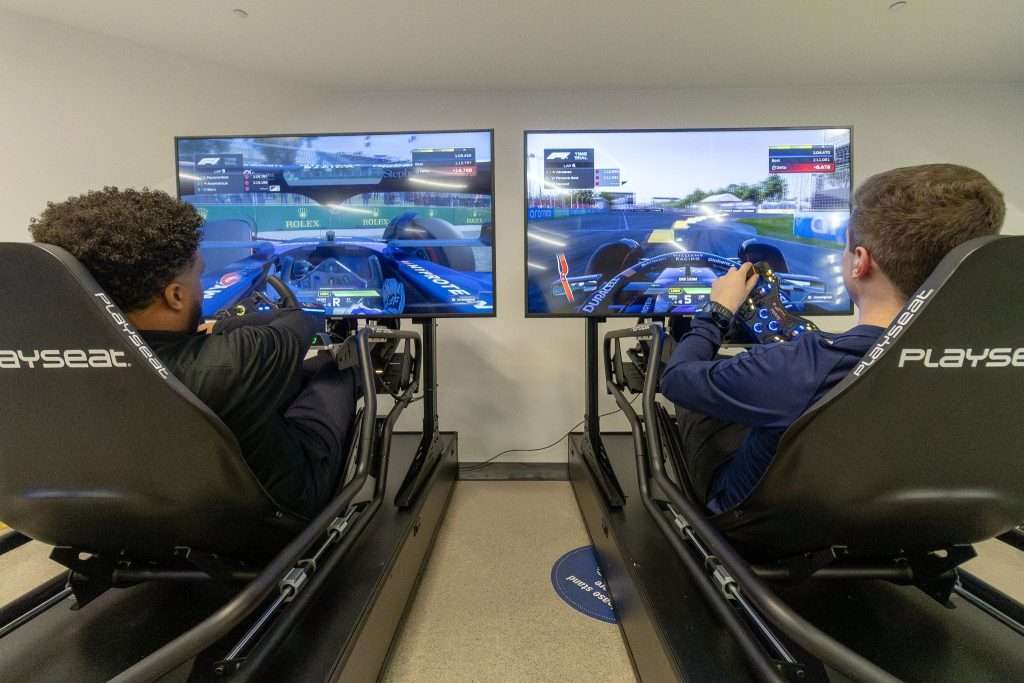
Image Source: SimStaff
What’s on the spec sheet and what you actually need to plan around are rarely the same number. Once you account for screens, room for the driver to get in and out, cables to route, and space for staff, the actual number is always bigger.
A compact arcade-style simulator is the easiest to accommodate. The unit itself is about 0.63m x 1.2m, and most hire companies quote around 1m x 1.4m as the working footprint. That works fine when the setup is self-contained and nobody’s standing around watching.
A premium single rig is a different story. Ask three different mobile sim hire companies for dimensions, and you’ll get three different answers. One might say 2m x 1.3m per seat, while another could quote 2.5m x 2m once screens and operating space are counted. How much you get quoted depends on the provider, the screen configuration, and how much working room they build in. For branded events, exhibitions, and corporate days where the setup needs to look sharp and run all day, plan around the wider figure.
Wide monitor stands are what catch most people out. The cockpit alone doesn’t look like much. Mount the screens, and the whole thing can spread well past two metres across. Most people measure the depth, forget the width, and then wonder why it won’t fit where they planned.
Two rigs side by side will typically need at least 2m x 4m of flat floor. You can go tighter, but it starts to feel cramped, and the whole setup quickly loses its polish.
With four premium rigs, you’re past counting square metres. You’re building an activation. A solid layout usually stays at around 6m x 5m, roughly 30m² before any crowd space. You can squeeze the kit into less, but it won’t hold up if you have a lot of people there.
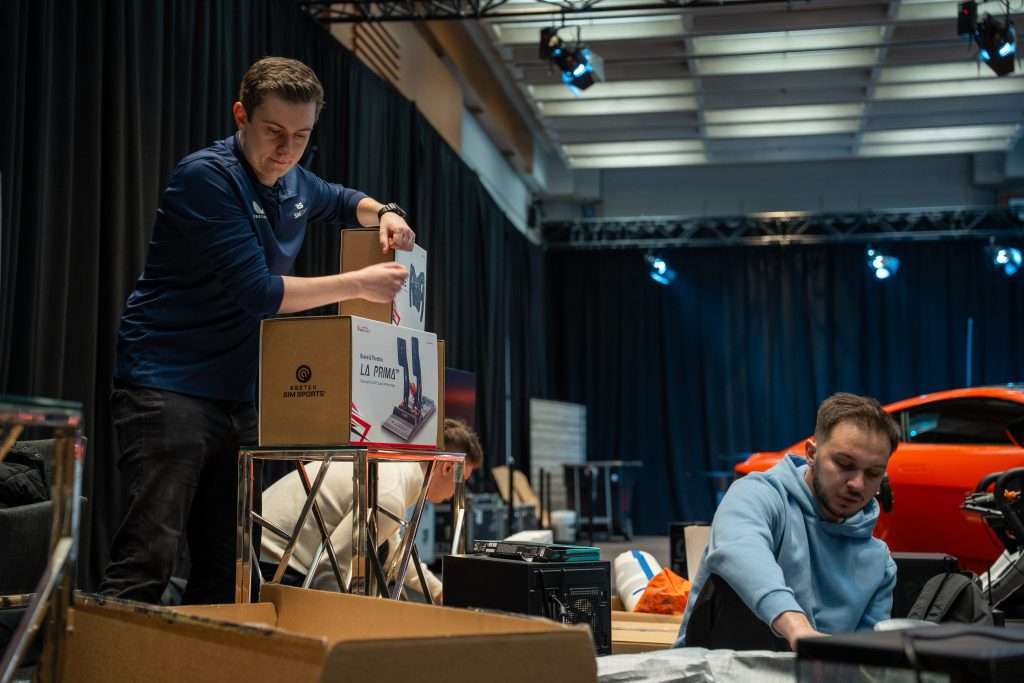
Then there are the hero setups. A full-size F1 simulator or show car can need something like 5.8m x 3m, and at that scale, the bigger problem is usually getting it into the building. That’s where wide doors, ground-floor access, and a clear route for trolleys are vital. A venue can have more than enough floor space and still not work if any of those are missing.
When someone asks how much room a simulator needs, the answer depends on what you’re measuring: the hardware on its own, the operating area around it, or the full layout with people in it. For venues, the last two are what really matter.
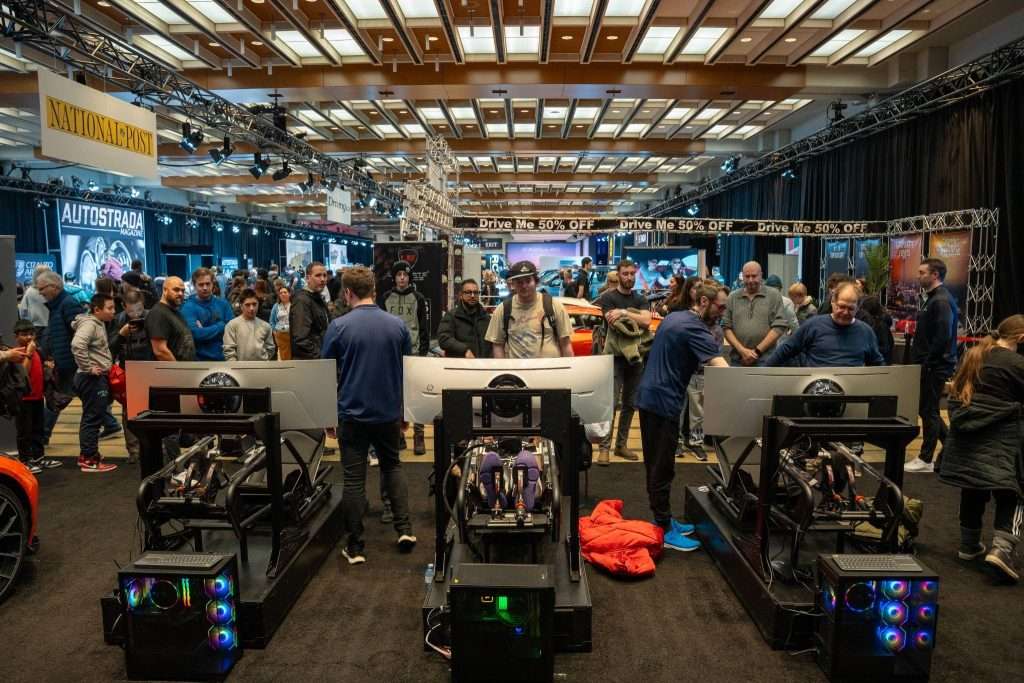
Image Source: SimStaff
What Fits in Common Venue Sizes
Everyone asks for dimensions. What they really want to know is whether their space will look like a proper activation or like something that got wedged in at the last minute.
Before you commit to anything, think through the full picture: rig footprint, room for drivers to get in and out, space for an operator, cable routes, and the area where people will end up standing. What fits on a floor plan and what works on the day aren’t always the same thing.
- 3m x 3m: One compact rig fits. A premium rig can go in, but there won’t be much room left for branding, a queue, or staff to move around.
- 3m x 6m: One premium rig sits comfortably. Two compact rigs can work side by side if getting people through matters more than how it looks.
- 10m²: One premium rig with room to breathe. Two only works if you strip the layout back and don’t need people hanging around the setup.
- 20m²: Two premium rigs with room to work. Three is doable if the queue is managed elsewhere and you’re not running much furniture or signage around the rigs.
- 30m²: Four premium rigs. This is the sweet spot for a proper activation. Enough room for the rigs, a crowd, and the whole thing to feel like it’s meant to be there.
- 50m² and up: Room to build something worth talking about. Multiple rigs, a leaderboard screen, spectator space, and enough floor to let people move through without bottlenecks.
In an exhibition hall, the shape of the booth matters as much as the total area. A long space handles a simulator setup better than a shallow one, especially with wide screens that need to be visible to people walking past. An actual floor plan will tell you more than any ballpark figure.
Start with the experience you want and work backwards. If it’s one rig with a short queue, keep it tight. If it needs to photograph well, handle foot traffic, and hold its own in a busy venue, give it space from the start.

Image Source: SimStaff
What Your Venue Needs Beyond Floor Space
Floor area is only part of the picture. A venue can have plenty of room for the rigs and still be the wrong choice.
Access is usually the first problem. Smaller units are easy to move in, but premium rigs often arrive on trolleys, and full-size hero setups need considerably more than a standard doorway. Stairs, tight turns, long walks from the loading bay, awkward lifts, and narrow corridors—any of those can slow an install down significantly. Some stop it completely. Get the access route checked before anything is booked, not on the morning of setup.
Power gets overlooked more than it should. A compact unit might pull around 100-150 watts. A premium rig with a proper PC, screens, and peripherals is closer to a kilowatt, and motion platforms push higher again. Whoever handles the venue’s electrics needs to know where the sockets are, what else is on the same circuit, and whether the setup needs more than one feed. If nobody can answer that clearly, raise it early.
Cables are an afterthought until they’re a problem. Loose power and data cables across a busy floor are a trip hazard and make the whole thing look thrown together. Nobody notices cable management until it’s bad. Tuck them away, and the setup looks sharper for it.
Most simulators run offline, so Wi-Fi usually isn’t a concern. If the event involves head-to-head racing or live leaderboards, the provider will typically bring their own network rather than depend on venue Wi-Fi.
Heat is the thing most people often overlook. PCs, screens, and back-to-back sessions build it up fast, especially in enclosed rooms or marquees. Poor airflow can turn a reliable setup into an unreliable one halfway through the day. If the space runs warm, sort that before the rigs go in.
For outdoor events, add three more things to the checklist: shade, hard standing, and weather cover. Direct sunlight makes screens difficult to read, and grass or gravel is a poor base for simulator hardware. SimStaff has a full breakdown on indoor versus outdoor hire if you want more details on that subject.
What to Do Next
If you have a floor plan, send it over. It’ll get you a straight answer faster than any back-and-forth on rough estimates.
Tell SimStaff how much space you’re working with, how many rigs you need, and what kind of event you’re planning. That way, you can confirm what’s realistic before anything gets booked or delivered.