A car with bad brakes doesn’t make it to the starting grid. If the pedal feels different on every corner, the race is already lost before the lights go out. The same applies in sim racing. You can work around a dodgy wheel, but if your brake starts behaving unpredictably mid-race, your lap times are gone.
The Fanatec CSL Elite V2 pedals are excellent, especially the load cell brake, but they’re not immune to calibration quirks and setup mistakes that ruin consistency. This guide will help you work out whether your V2 pedals are suffering from a simple software or setup issue you can fix in minutes, or a real hardware problem that needs proper attention.
Quick Symptoms: Is This Your Csl Elite V2?
Run through this list. If you recognise one or more, you’re in the right place.
- Brake shows 1–3% input when your foot is completely off it (sensor drift or electrical noise)
- Calibration or BRF resets after you power off (driver bug or memory issue)
- Brake only reaches 50–80% in-game, no matter how hard you press (BRF set too high)
- Random brake spikes appear mid-corner, even with steady pressure (cable issue or load cell fault)
- Load cell feels different from session to session, with no changes from you (inconsistent calibration or failing hardware)
- One pedal shows no movement at all in the Fanatec Control Panel (severed cable or connection problem)
If you’re experiencing any of these, here’s how to fix it.

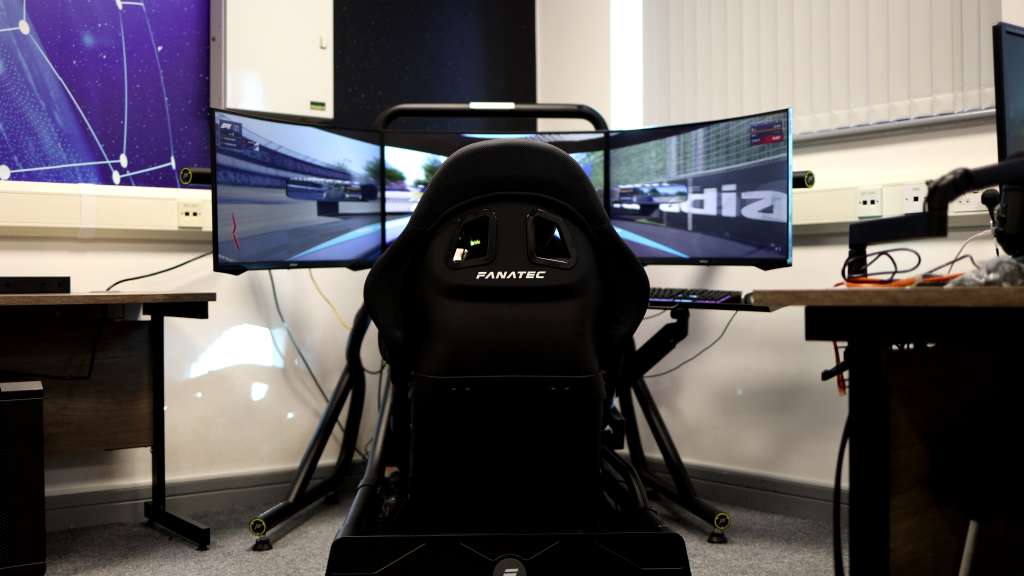
Image Source: Fanatec
Core Troubleshooting: Fix the Common Calibration Problems
Most CSL Elite V2 calibration issues fall into three groups: software and calibration setup, cable and connection problems, and load cell behaviour with electrical noise.
Start at the top and work down. Stop as soon as the problem is clearly hardware.
1. Software and Calibration Fixes
This is where users have experienced most issues. You’ll want the Fanatec Control Panel on a PC here, even if you race on console.
a) Check what the pedals are doing
Open the Fanatec Control Panel and go to the pedal page. Press each pedal slowly.
You’re looking for:
- Smooth run from 0 to 100%
- No flat spots or sudden jumps
- Brake returning cleanly to 0% when you release it
If a pedal behaves strangely here, the problem isn’t your game.
b) Use a sensible brake deadzone
A tiny brake input at rest is common. Sensors drift a bit, and the V2 brake is sensitive.
Set your brake minimum with a small amount of pressure on the pedal instead of zero:
- Press the brake lightly, about 5–10% of the way down
- Set that as the minimum point in manual calibration
- Save the settings in the Control Panel
That small deadzone removes phantom 1–3% input from sensor drift or electrical noise, without affecting real braking.
c) Adjust BRF so you can reach 100%
The BRF (brake force) setting controls how hard you have to press to hit 100% input. If you’ve set it too high, you’ll never get full brake in-game unless you stand on the pedal.
| Check This | Do This | Why |
| BRF setting | Start at 60–70 | Too high = can’t reach 100%; too low = oversensitive |
| Test pressure | Press as you would in a race | Make sure you hit 100% comfortably |
| Adjust if needed | Lower BRF if you only reach 60–80% | Matches pedal feel to your rig and leg strength |
This applies whether you change BRF in the Fanatec Control Panel on PC or in the tuning menu on a wheelbase for console use.
d) Drivers, firmware, and saving your settings
Outdated or buggy drivers and firmware can stop your settings from saving properly.
| Check This | Do This | Why |
| Driver version | Update to latest stable from Fanatec | Pre-464 drivers have known save bugs |
| Power cycle | Reboot PC and power cycle wheelbase/pedals | Clears memory and forces fresh calibration |
| Recalibrate | Set deadzone and BRF again, then save | Ensures new settings actually stick |
If your calibration keeps resetting after that, we’ll treat it as a potential hardware or memory problem later.
e) Don’t blame the pedals for a game problem
If the pedals are working fine in Fanatec Control Panel, check them in a second title or simple input tester.
If the Control Panel shows perfect input, another sim reads the pedals correctly, but only one game behaves strangely, then the issue is inside that game:
- Clear all existing controller bindings
- Remove old device profiles
- Rerun the in-game calibration
At that point, blaming the pedals is a waste of time. Fix the game profile instead.

Image Source: DannyLee
2. Cable and Connection Checks
If software looks good but you’re still seeing intermittent issues, check the physical connections between pedals and PC or wheelbase.
a) Reseat and simplify connections
- Unplug the RJ12 cable at the pedals and at the wheelbase, then plug it back in firmly
- If you use USB, connect the pedals directly to the PC, not through a hub
- Try a different USB port if you can
While you do this, keep the Fanatec Control Panel open and watch the input bars. If a pedal cuts out or spikes when a connector moves, you’ve found something important.
b) Look for pinched or stressed cables
Common issues:
- Cable crushed under a heel plate or rig bracket
- Cable squashed when you slid the pedals back and forth on a profile rig
- Tight bends where the cable exits the pedal housing
Run your fingers along the cable and look for flat spots, kinks, or damaged insulation. Any of those can cause intermittent input, especially under load when the rig flexes.
c) Wiggle test
With the Control Panel open:
- Very gently, wiggle sections of the cable and the connectors
- Check if the input flickers, drops to zero, or spikes when you move a particular spot
If it does, you’re most likely dealing with a damaged cable or a loose connector, not a calibration problem. That’s already hardware territory.
3. Load Cell Behaviour and Electrical Noise
At this point, you’ve got clean software, sensible deadzones and BRF, and reseated cables. Now check the brake itself.
a) What “normal” jitter looks like
Load cells measure force. They’re not digital switches. A tiny amount of flicker near 0% is normal.
- A small ±1–2% wiggle at rest is usually nothing to worry about
- Smooth, stable behaviour under real pedal pressure is what matters
Don’t panic over a single pixel of movement at the bottom of the bar.
b) Signs the load cell or signal isn’t healthy
Press and hold the brake at different levels while watching the input.
You should be concerned if:
- The brake bar jumps up and down while your foot is held steady
- Max brake varies massively from lap to lap with the same effort
- The pedal sometimes doesn’t respond at all in the Control Panel
- Full pressure only gives you half travel even after recalibration and BRF tweaks
That’s not regular drift. That’s either a failing load cell or an issue on the internal board.
c) Quick EMI and grounding tricks
Electrical noise can exaggerate tiny movements into visible jitter. A couple of simple tests:
- Try another USB port directly on the motherboard
- Plug the PC and wheelbase into a different wall outlet or power strip
- If you’ve got a ferrite ring, clip it onto the pedal cable near the wheelbase or PC
If the jitter improves with those changes, you’re likely dealing with interference rather than a ruined sensor. Still something to keep an eye on, but you’ve got a clear direction.
If heavy jitter, spikes, or missing input survive all of this, you’ve got a hardware problem, not a calibration issue.
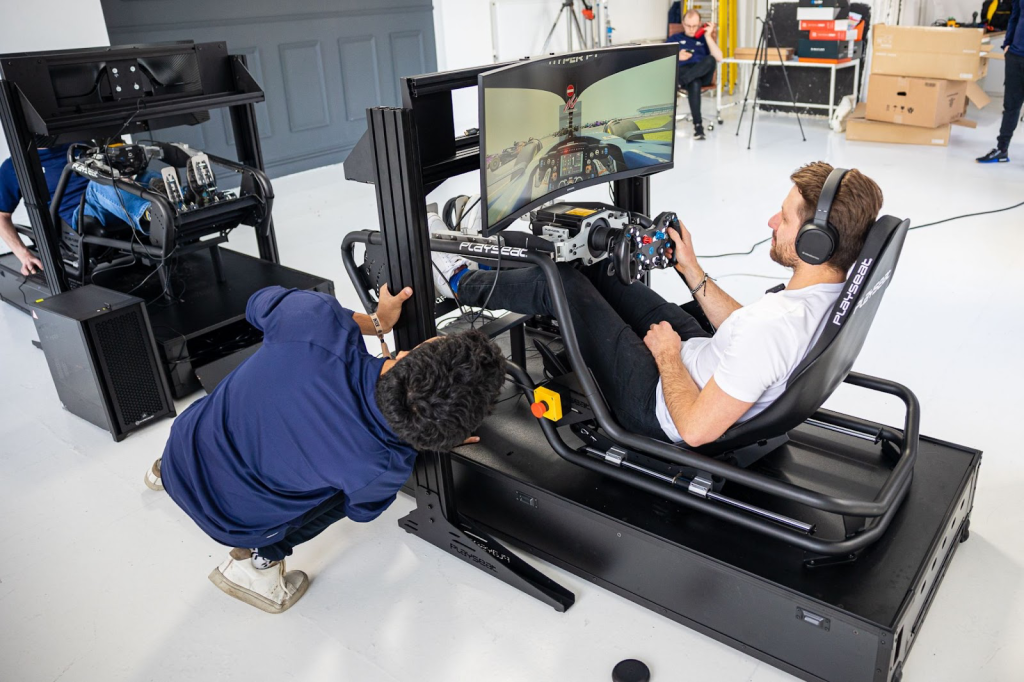
Image Source: SimStaff
When to Stop Troubleshooting and Call SimRigSupport
There’s a clear point where more tweaking stops helping. If any of these are true after you’ve followed the steps above, it’s time to call in help:
- A pedal shows no input at all in the Fanatec Control Panel, across different cables and ports
- The brake still jitters heavily or caps at half travel after calibration, deadzone, and BRF adjustments
- You can see cable damage or crushed sections near the pedal housing or junctions
- Calibration or saved settings keep corrupting even on the latest driver and firmware
At that stage, you’re not fighting finicky settings. You’re fighting a bad load cell, an internal board fault, or a cable that needs replacing.
We deal with this sort of thing weekly. A short remote session is usually enough to confirm what you’re dealing with: a quick fix you missed, a cable or load cell that needs to be swapped with genuine parts, or a case where an RMA with Fanatec makes more sense.
If you’re about to spend another weekend combing forums and YouTube, book a consult. We’ve seen dozens of failed and misconfigured CSL Elite V2 pedal sets. We’ll know what’s wrong with yours.
Most CSL Elite V2 calibration problems come down to software setup, brake deadzones, BRF settings, and cable health. Fix those, and the pedals are rock solid. Once you’ve ticked those boxes and a pedal still behaves erratically, treat it as hardware and book a free consultation with us to get it checked.