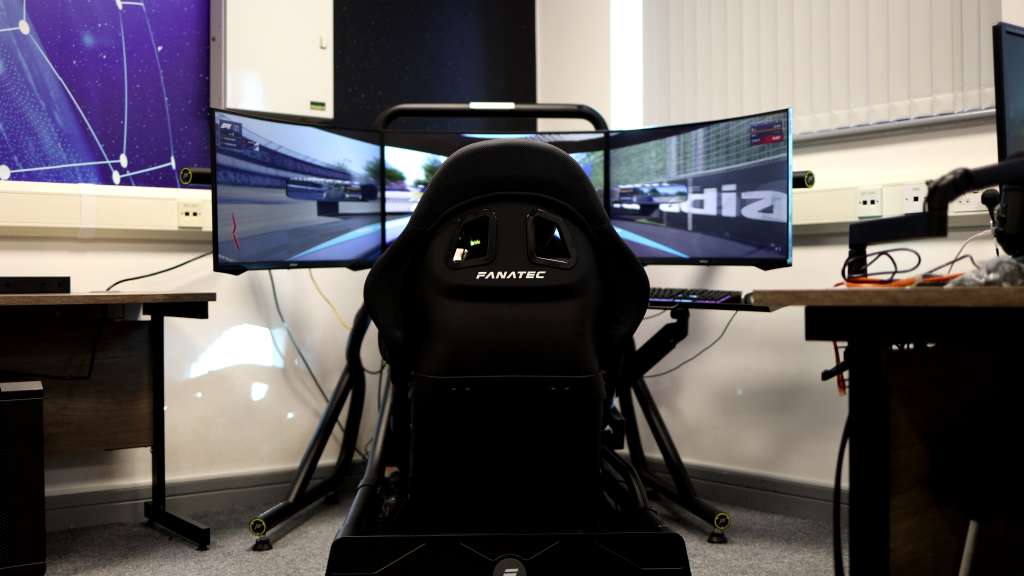
At some point, every sim racer experiences it: going head-to-head, door-to-door, through a corner, and then mid-divebomb: Your wheel goes limp; no force feedback and no functioning buttons or shifters!
Even though your wheel functionality returns momentarily and you manage to regain your race pace, you now have that fear ingrained in your body. That thought, “when I put this much force into my steering wheel at that specific corner, with that one specific force feedback spike, it might fail again,” adds unnecessary traffic to your mental bandwidth. That energy should be focused on the racing itself, and that’s what we aim to help you regain in this entry.
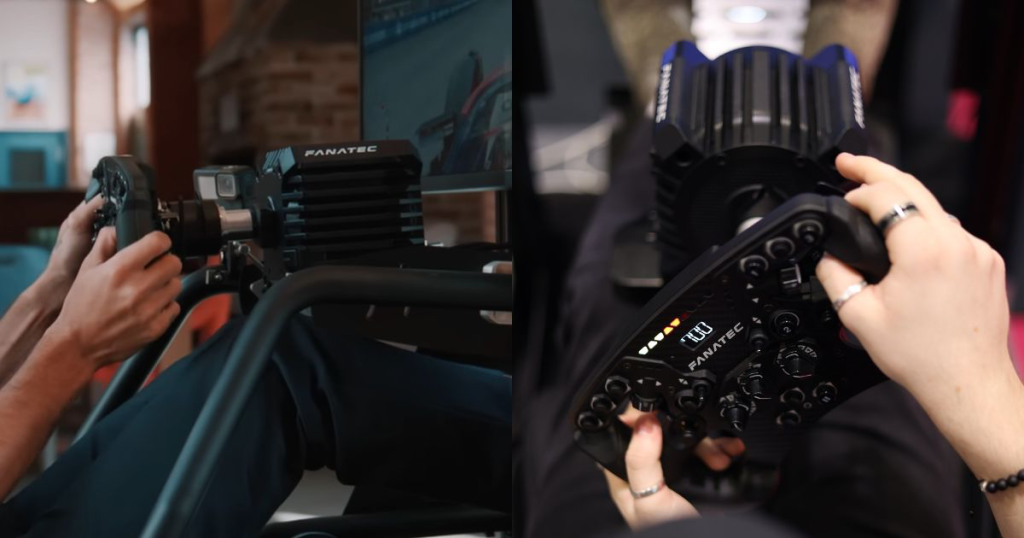
Photos by SimStaff
Is your CSL DD/GT DD PRO Wheelbase suffering from these issues?
- Dropping connection mid-race
- Loose connection between the wheel and the wheelbase, causing play
The CSL DD and GT DD Pro from Fanatec are highly popular wheelbases, meaning there are many troubleshooting solutions available due to the large user community around them. However, even then, some issues remain unresolved, meaning you may eventually have to troubleshoot them yourself. And when you finally, naively, think the problem is gone after trying numerous, ritual-like, fixes (…“yes, unplugging and replugging the wheelbase six times in a particular rhythm, while making sure the kitchen lights are off, definitely fixed my FFB issue”), it often reappears just when you’ve let your guard down.
This is a significant amount of wasted energy that you, for example, could have spent preparing for your upcoming league event this coming Saturday. We’re here to help you get back on schedule by initially suggesting some quick fixes, and if these don’t resolve the issue, we’ll provide more comprehensive troubleshooting advice.
Recommended Fanatec Control Panel Settings for Troubleshooting
Before going any further, we recommend these settings within the Fanatec Control Panel software as a baseline for stress-testing the following troubleshooting solutions:
| Settings | Recommended Value |
| Steering Angle | 900° (adjust per car — e.g. 540° for formula cars) |
| Road Sensitivity | 9 |
| Feedback Intensity | 100% |
| Steering Wheel Speed | 50% |
| Game Force Feedback Intensity | 100% |
| Mechanical Back to Center | 0% |
| Mechanical Damper | 40% |
| Soft-Limit | 10 |
| Mechanical Friction | 20% (add only if you want more weight) |
| Mechanical Inertia | 200% |
| Handoff Protection | Optional: Turn OFF if it interferes during high-speed countersteer |
| FFB Filter | OFF |
| FFB Smoothing | 1-2 (0 for most feel, 2+ for smoother) |
Quick Checks and Possible Fixes
Introductory solutions that you can look into yourself can help rule out what is and isn’t wrong with your equipment. Please note that these checks can also be used as general advice for Fanatec product owners.
| Basic Check | Action | Why this matters |
| Have you tried running your equipment without a Boost Kit (if connected to your wheelbase)? | Temporarily disconnect the Boost Kit and set the wheelbase to its default power level, such as 5Nm instead of 8Nm. Then, test the setup during a short driving session. Drive a track with force feedback-intensive, high-G sections (for example, a banked corner or elevation changes) where you have previously experienced disconnections, and see if you can replicate the error. | As a preliminary check, reducing torque can help determine whether the problem stems from a faulty Boost Kit or if your specific Quick Release struggles to maintain a stable connection under the increased load enabled by the Boost Kit. |
| Is the Quick Release module from an older model? | Check which version of Quick Release you are using. If it is a QR1 Lite or QR1 (Metal), try testing with a newer version such as the QR2. | Older QR models, which have undergone prolonged use, have been reported to fail as they gradually lose tension between the wheel and wheelbase. This can lead to disconnects or reduced force feedback. |
| Is the quick-release module made from plastic? | Check the material of your QR. If it’s plastic (like the QR1 Lite), which often comes with Fanatec wheels, consider upgrading to a metal QR1 or QR2. | Plastic QRs may flex under heavy load, potentially causing disconnections. |
| Have you checked that the power and USB connections are secure? | Ensure that the cable is fully plugged into both the wheelbase and your PC. | Loose connections or incorrect ports can lead to loss of FFB. |
| Is your wheelbase connected to a USB 3.0 port (or higher)? | Ensure the wheelbase is plugged into a USB 3.0 Type-A port on the back of the PC, avoiding front panel ports. Check your motherboard manual or the manufacturer’s website for port colour codes to identify the correct ones. | Rear USB 3.0 ports supply more reliable power and faster data transfer than USB 2.0 ports, which are usually black. For high-bandwidth devices like wheelbases, using a USB 3.0 or newer port, such as 3.1 or 3.2, is essential. If issues continue, consider using a powered USB hub. |
To better understand the Fanatec QR catalogue and which variant you should choose, take a look at this blog post from Fanatec itself. In the post, they explain the differences between using plastics and metal variants such as the QR2 Lite, QR2 (Standard), and QR2 Pro, helping you select the option that best suits your needs for weight, durability, and feel.
The QR1 Lite, because it is made of plastic, is known to be much more prone to connection issues over time, so the best long-term solution is to get a metal variant instead. But before swapping anything out, should you wish to continue using a plastic variant QR1 Lite, it might be worth exploring more DIY-focused solutions, such as the popular ‘tape mod’, which Fanatec DD users have found particularly useful.
If you are already using a QR1 metal variant and still face disconnection problems, review Fanatec’s comparison of the differences between the QR1 and the newer QR2 versions to understand what a potential upgrade might involve.
Further troubleshooting
Before you start ordering new parts to resolve your disconnection issues, what we present below might be worth looking into.
As demonstrated by GITGUD Racing, who, in this case, was using a QR1 Lite (plastic) on their DD wheelbase, the wheel’s shifter paddles and buttons became unresponsive, and force feedback was lost, ultimately resulting in a spin-out.
A fix that worked in this case for this series of symptoms, as presented in the video, is to first loosen the bolt on the clamp located near the front of the base, then push the shaft inwards. This re-tightening helps secure the connection, which may have loosened after prolonged use. Afterwards, tighten the bolt on the clamp again and check if the disconnections still occur.

Picture by user THK84
Thanks to GITGUD Racing, who highlighted an otherwise hidden gem of a fix from an Overtake.gg forum thread, you might be able to repair your wheelbase with just a few tools and without spending extra money on new parts, which may not even address the root cause of the issue.
Another option, should your problems persist, is to get a USB-powered hub. As explained in another entry focused on the FFB failures with the Fanatec DD+ Wheelbase, adding such a component to your setup will help reduce the load on your motherboard and ensure that every high-bandwidth device is supplied with sufficient power and data transfer. While this might not be the solution you are looking for, or even if you have fixed the issues presented in this entry, acquiring a powered USB hub is one of the best future-proofing measures for your system. If you are thinking of a birthday gift, consider putting this on your list.
When to Contact SimRigSupport
While forum threads and YouTube videos can be easily found with a simple Google search, especially for popular wheelbases like the DD and GT DD Pro, equipment gremlins may still lurk around. Mixing different software and hardware can create a multitude of unique problems that even that magic Google keyword combination might not uncover. So, when everything else fails, it’s a good idea to contact SimRigSupport, particularly if your busy schedule doesn’t allow time to sift through endless troubleshooting advice online.
Photos by SimStaff
Keeping your gear up and running doesn’t have to be a part-time job for you. We offer in-depth on-site and on-call expertise at your fingertips, ensuring minimal downtime for your driving sessions. This is especially crucial if you need to return quickly to your week-long practice routine before the upcoming Saturday league race. Get back to training as soon as possible and skip the headaches of endless research to get everything working.
We hope this guide has saved you some time, and if you still haven’t found a solution, please don’t hesitate to contact us.