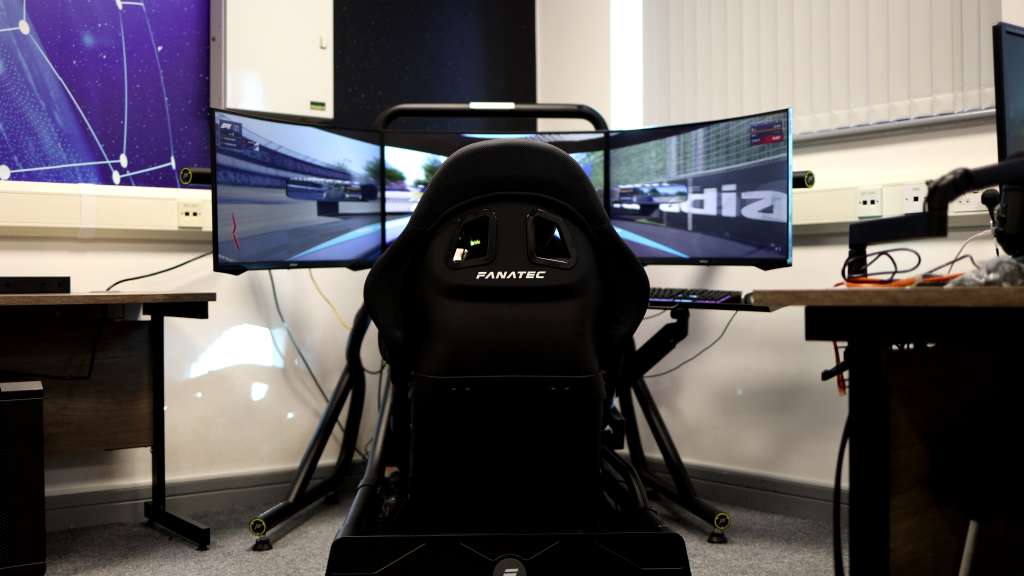
The main objective in a lot of titles within the sim racing genre is to get the game to ‘feel’ right in terms of force feedback through the many different parameters that can be tuned and tinkered with. But before you can get to that part at all, you need to make sure that the game detects your wheelbase.

Image by Kunos Simulazioni
Just as wheelbases are highly sensitive and technically sophisticated in their inner mechanical workings, their software and firmware can often clash with sim titles and PC systems. In this case, Assetto Corsa Evo is no different. There can be multiple reasons behind why the game is not detecting your wheelbase, and to remedy this issue, in this entry, we will present some useful solutions, ensuring you can get back on track ASAP!
Switch to a Higher Bandwidth USB Port
The first solution is a matter of hardware configuration and involves looking at your entire PC system and the USB devices connected to it. As connected devices compete for bandwidth within the system, ensuring that your wheelbase is connected to a USB 3.2 Gen 2 port is critical. Connecting directly to the motherboard on the back of your case will minimise latency, which is essential, as the ACE Engine’s initial HID handshake has been shown to be extremely sensitive to latency.
The higher-bandwidth USB 3.2 ports are typically coloured red or orange on the motherboard, so make sure that your wheelbase is connected to one of these. Avoid blue (USB 3.0) and white (USB 2.0) ports, as these share bandwidth with slower peripherals like keyboards, mice, webcams, etc., which could be introducing signal interference into your wheelbase connection.
Should the colour scheme of your motherboard not follow these conventions, you should look up your motherboard model, as the manufacturer often provides an overview of the USB port layout showing the specifications of each port.

Image by Kunos Simulazioni
Redo the Wheelbase Steering Calibration
Another solution could be to redo the “Bind” process in ACE by calibrating your wheelbase. ACE has been proven not to be able to “see” the wheel during this process until the steering axis is physically moved.
During the “Bind” process, turn the wheel 100% full lock in both directions. If this is not done, the game will fail to register the axis if it only sees 90-degree movement in either direction.
Remove Any Conflicting USB Control Devices
If you are one of the sim racers who also use your sim rig to play first-person shooters or similar games, you might have experienced booting up a new title, only to find that your mouse isn’t registering inputs. You may then discover that your throttle pedal has become the upward pitch on the Y-axis, resulting in you looking up in-game with no way to look down again.
The same goes for sim racing titles like ACE. If you have an Xbox controller or, for example, a flight joystick plugged in, ACE may assign it to “Slot 1”. Therefore, make sure that you have unplugged all non-essential HIDs (Human Interface Devices).
Should this not work, you can use the app HidHide to “cloak” every other device except your wheelbase and pedals from the game’s discovery service.
When to Contact SimRigSupport
Assetto Corsa Evo is in early access, meaning that it will have some rough edges that will be smoothed over time. The same thing goes for the simulator experience as a whole.
Setting up the best possible driving experience is one that takes a lot of time to figure out and adjust to one’s liking, and, given its niche status, every participant in this space will have to figure out many things through trial and error and by digging through a sea of forum posts to fix, maybe very specific, hardware or software issues.

Photo by SimStaff
This is where SimRigSupport comes in.
Our team is made up of passionate members of the sim racing community, each with thousands of hours of hands-on experience working with a wide range of sim racing hardware, software, and firmware. We understand how these systems interact with different sim racing titles – something that can quickly introduce unexpected compatibility issues, performance problems, or setup challenges.
Instead of spending hours troubleshooting drivers, firmware, or game settings, SimRigSupport helps you get everything running exactly as it should.
Whether you’re building your first home setup or delivering a high-performance simulator experience for a brand activation or event, SimRigSupport and SimStaff help you skip the headaches and get up and running faster – with a professional experience from the start.